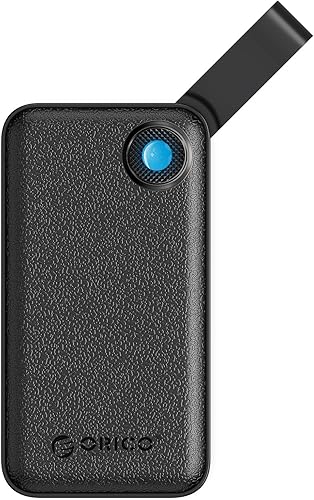
ORICO 512GB Portable SSD, Up to 2000MB/s, USB 3.2 Gen 2x2, Ultra-mini, Compact with 2 in 1 USB C Cable, External Solid State Drives, Reliable Storage for USB C Smartphone, Tablet, PC - B20(Black,512GB)
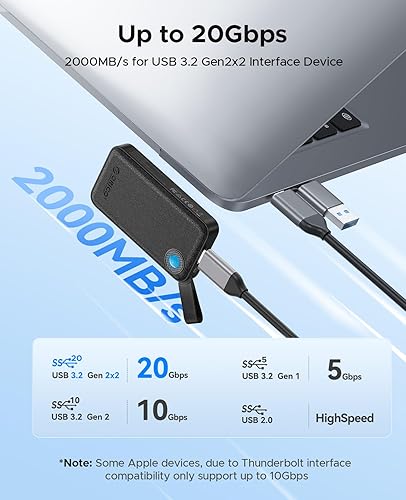
High Speed Performance: Up to 2000MB/s transfer speed, quickly back up or store photos, large video files and design assets on the go. Please note that to achieve a transmission speed of 2000MB/s, the corresponding device's interface must be at least USB3.2 Gen2x2
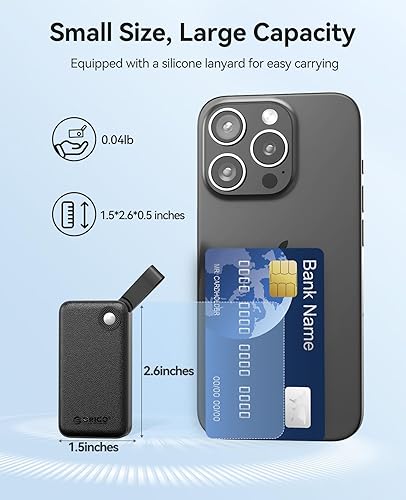
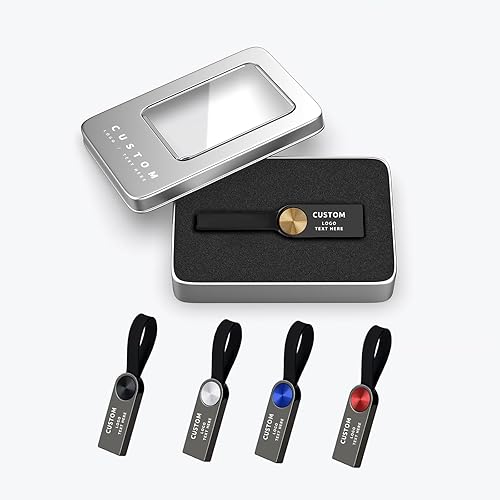
Pocket-Sized & Portable: Ultra-small (1.5*2.6*0.5 inches) and lightweight (0.04 lbs), it fits easily in your pocket or laptop bag, the silicone strap lets you securely attach it to your backpack or gear for easy access
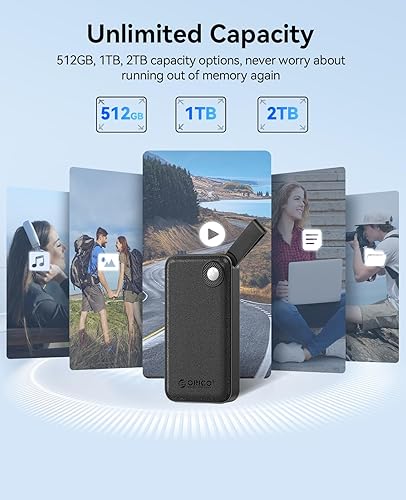
Ample Storage: Equipped with a 1TB storage capacity, it provides plenty of space for your photos, large files, video footage and backups, ensuring you never run out of storage during long shoots
2 in 1 USB C & A Cable: Adapt USB-C and USB-A devices(Smart phones, PC, Laptops and Tablets ect). Plug and play for a variety of systems (Android, IOS, macOS, Windows)
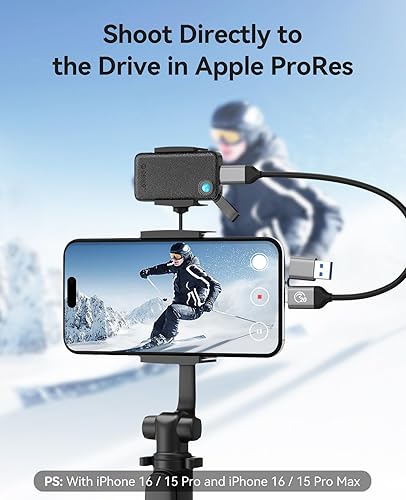
File Backup Steps for iPhone 15, 16 Series. Step 1-Open the album/file -select the data - click 'Send'; Step 2-Click 'Save to file' (If this option is not displayed, click 'Edit Operation' below); Step 3-Go to ORICO B20 - select destination folder - click 'Save'. *When the iPhone cannot recognize the external SSD, please format the external SSD and change the format to exFAT
There are no reviews yet.
Comment on "ORICO 512GB Portable SSD, Up to 2000MB/s, USB 3.2 Gen 2x2, Ultra-mini, Compact with 2 in 1 USB C Cable, External Solid State Drives, Reliable Storage for USB C Smartphone, Tablet, PC - B20(Black,512GB)"