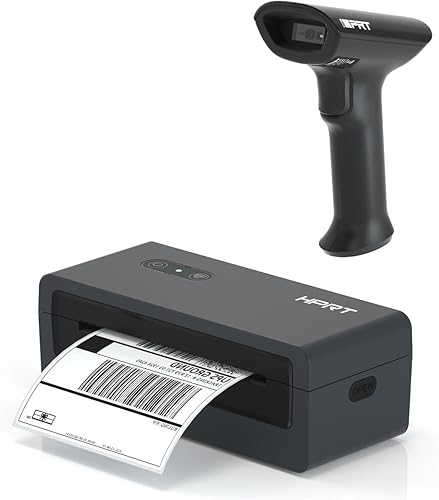
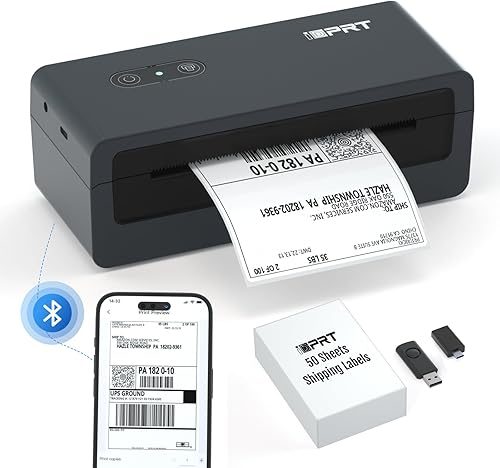
iDPRT Bluetooth Thermal Label Printer 4X6 Shipping Label Printer for Small Business with Bluetooth Barcode Scanner 1D 2D Scanner
$94.99
🌸 Cute & Stylish Hair Accessories
🚚 Free Shipping on $94.99 📦 Ships in 3–5 Days
🔍 Carefully Inspected 💫 21-Day Returns
Product details
Brand: iDPRT
Connectivity Technology: Bluetooth, USB
Printing Technology: Thermal
Special Feature: Decal-Printing
Color: black
Model Name: SP460BT
Printer Output: Monochrome
Controller Type: Android, iOS
Maximum Media Size: 4.33 inches (110mm) x 300 mm
Included Components: Printer
About this item
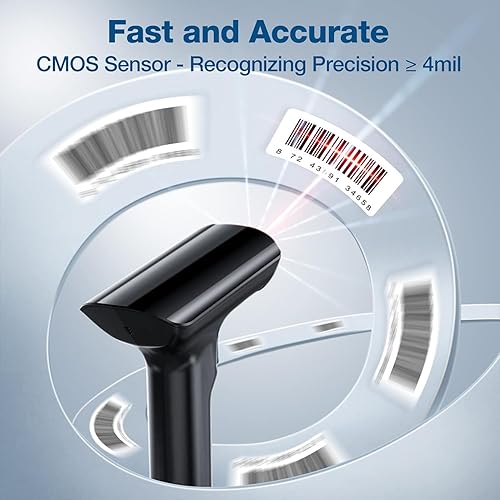
【Bundle Shop For Saving More】Shop bluetooth thermal label printer SP460BT together with 1D 2D barcode scanner, which will help you to save more.
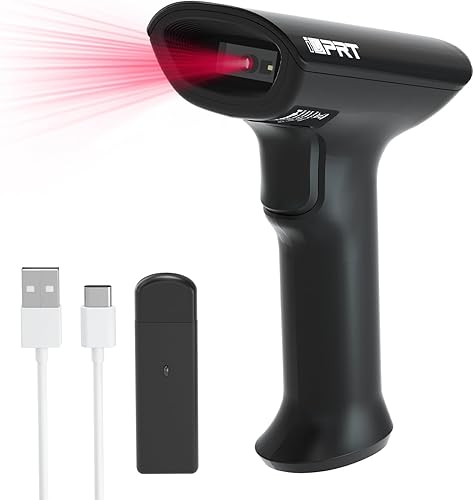
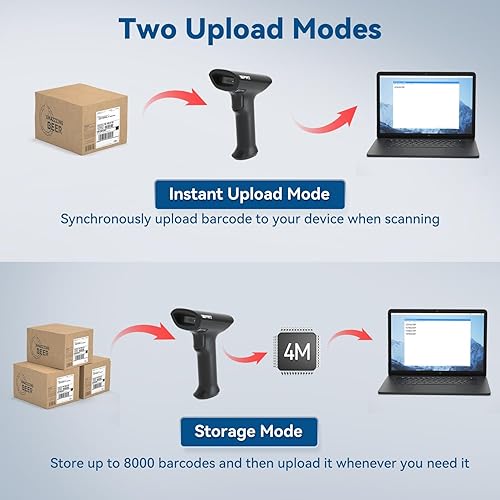
【1D&2D Scannable & Strong Recognition Ability】The Bluetooth wireless barcode scanner supports a wide range of 1D and 2D codes with poor-quality barcode. It has a USB wired connection and a Bluetooth wireless connection, working with Windows, iOS, Android, Linux, and Mac OS, supporting connections with PC, laptops, iPad and phones without drivers. It has Instant Upload Mode & Storage mode and 3 scanning modes provided, including manual trigger mode, continuous scan mode, and auto-sensing mode.
【NOTE for BT Setting】 Bluetooth printing on mobile phones&iPad / Windows / MAC all need to be set up through the corresponding APP / software / tool. Due to the large number of security software, we can’t guarantee that we can submit security reports to each security software, so please turn off the security software before downloading and installing to avoid errors. Please rest assured that our software doesn’t contain any viruses and will not obtain any personal privacy.
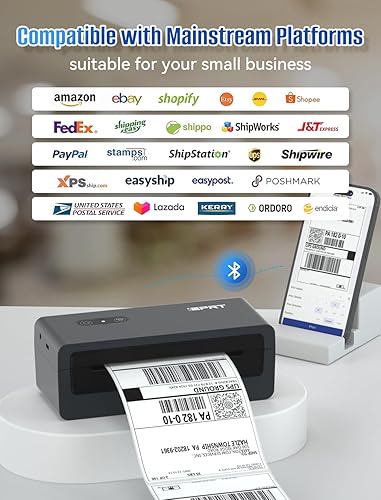
【Phone/iPad - Bluetooth Printing via APP "HereLabel"】 Download & install the APP "HereLabel" to print via Bluetooth on your iDPRT Bluetooth thermal label printer for iOS and Android. Printing shipping labels is easy with the SP460BT thermal label printer.
【Windows USB/BT Setting on the software "Hanin Drive Management"】 Please download & install the Windows software from our official website ( iDPRT website - "SUPPORTS AND DOWNLOADS" - "Downloads" - search "SP460BT" to find the file named "Windows USB & BT setting & printing Software for SP460BT" ) Please adjust the paper size in the printing preferences before printing.
There are no reviews yet.
Comment on "iDPRT Bluetooth Thermal Label Printer 4X6 Shipping Label Printer for Small Business with Bluetooth Barcode Scanner 1D 2D Scanner"