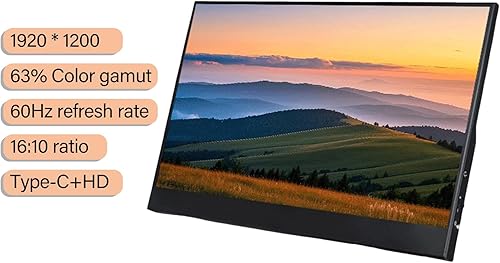
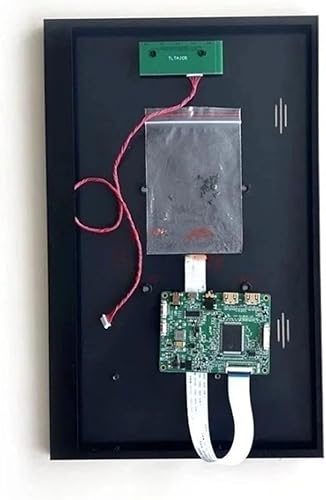
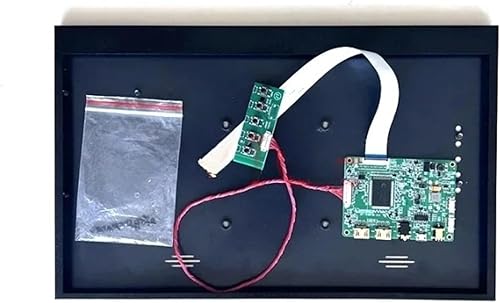
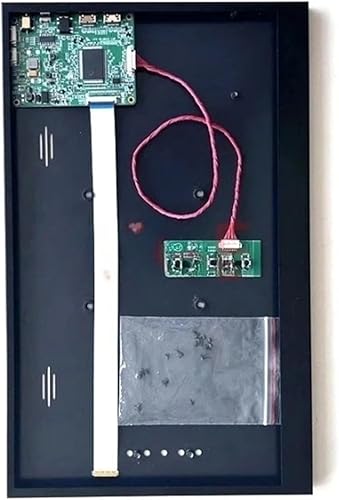
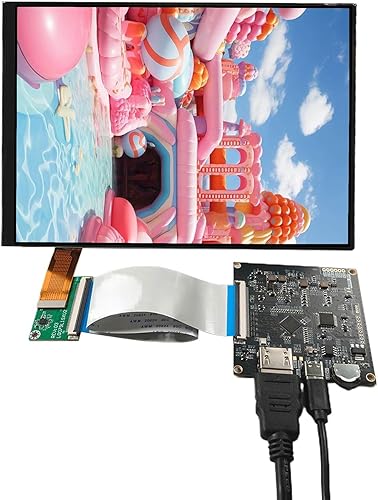
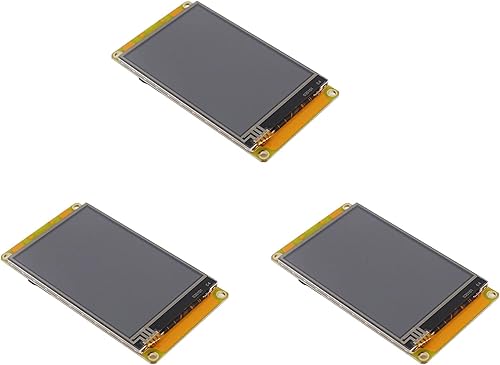
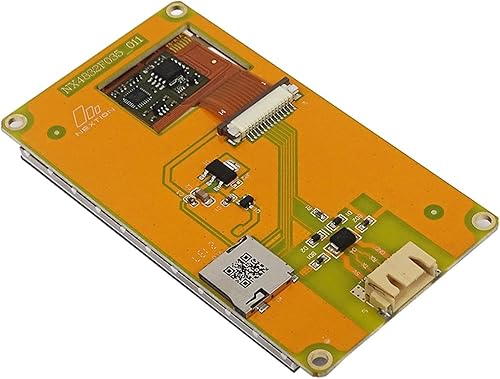
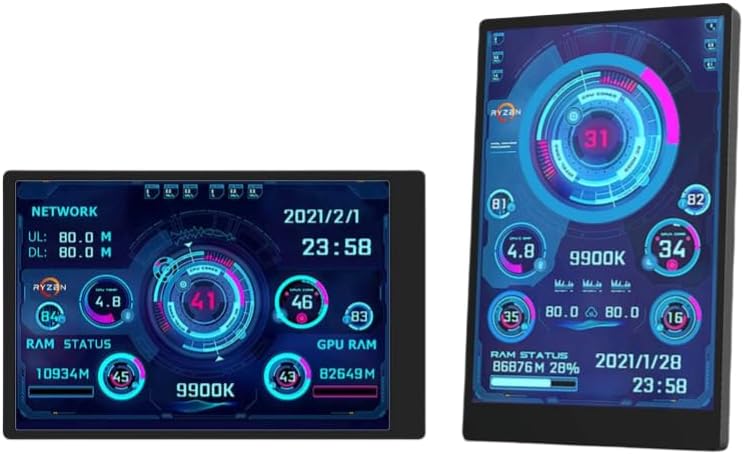
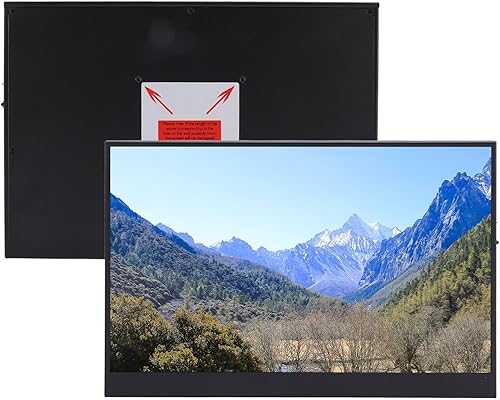
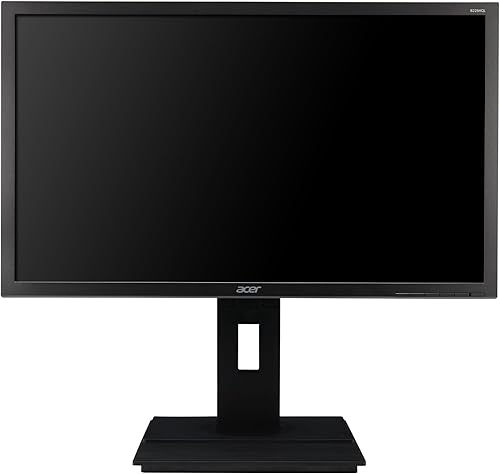
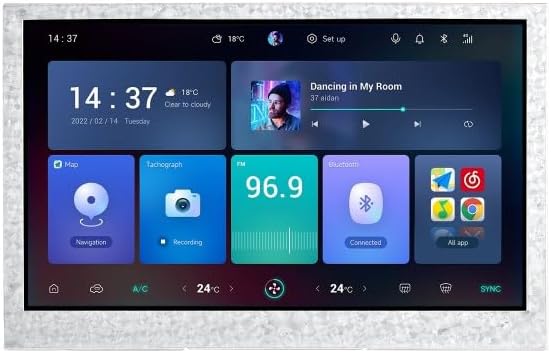
10.1-inch HDMI/VGA/AV Input Display with 1024 * 600 high-Definition Full View Module, Built-in Speaker, Computer Secondary Screen for Windows System, Monitor for RPI、 DVD、CCTV, No Touch
$59.99
🌸 Cute & Stylish Hair Accessories
🚚 Free Shipping on $59.99 📦 Ships in 3–5 Days
🔍 Carefully Inspected 💫 21-Day Returns
Product details
Brand: JniTyOpt
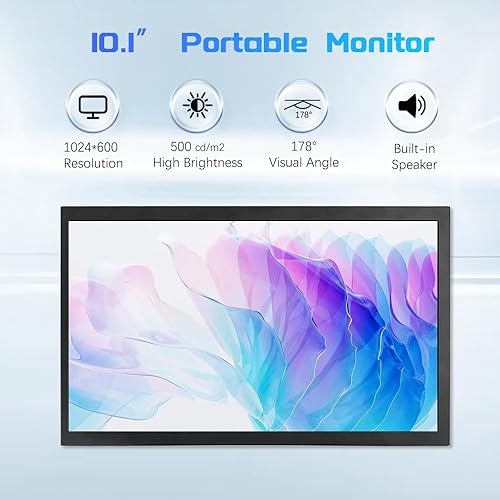
Screen Size: 10.1 Inches
Resolution: SVGA Wide
Aspect Ratio: 16:9
Screen Surface Description: Glossy
About this item
HD IPS Screen: 1024 x 600 pixel HD screen with 178° IPS full viewing angle allows you to see the screen clearly in all directions. With built-in speakers to give you a good audio-visual experience.The volume cannot be adjusted through the monitor. If sound output is not required, you can change the sound output method from your device
Multi-Interface Monitor: 10.1-inch mini monitor with HDMI/VGA/AV interface can be applied to many different interface devices, such as DVD, TV-Box, RPI, Camera, Laptop, PC, CCTV and so on. The signal can be automatically recognized or manually switched
Plug and Play Monitor: Connect your device through the HDMI/VGA/AV port and watch images on the screen without installing any drivers or software. If you want the RPI to work together, the manual has the appropriate code.
Portable Monitor: The screen case is made of aluminium alloy, sturdy and durable, scratch-resistant and drop-resistant, mini size and ultra-light weight, easy and convenient to carry. The screen also comes with a brightness adjustment function, which adjusts the brightness according to the needs and adapts to use in various environments.
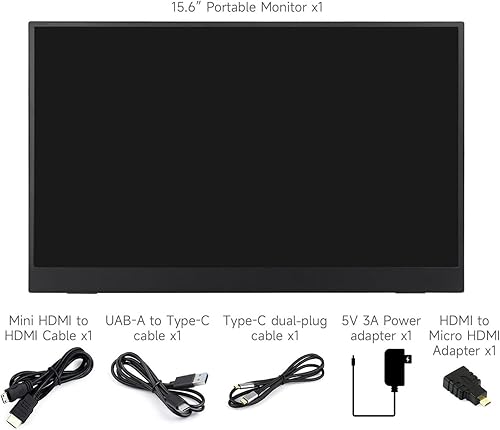
Two Types of Power Supply: The mini screen supports both 12V 2A (DC) and 5V 3A (Type-C) power supply, which improves the possibility of power supply and better use with devices with different ports.For the power supply, we only provide USB to Type-C cables
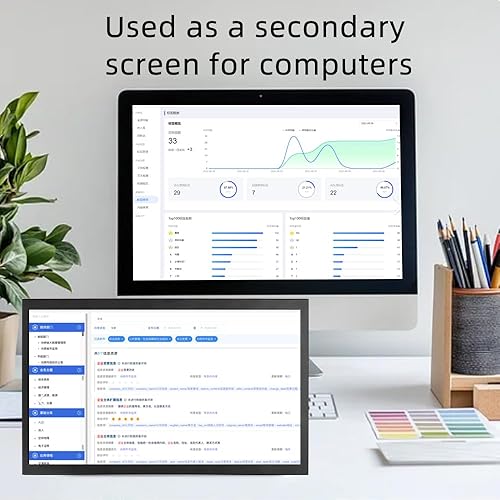
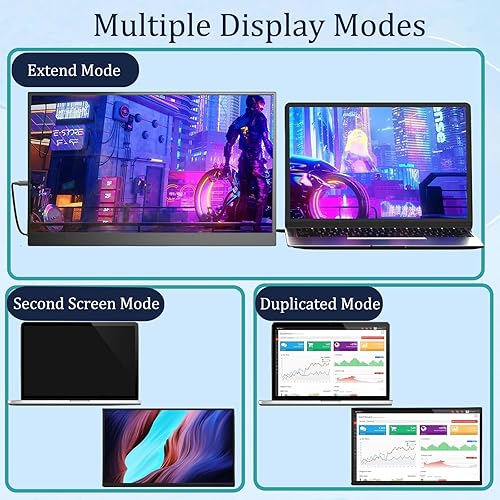
Computer Multimode: There are three modes available when paired with a computer. Copy mode, the display content on the monitor and computer is consistent, and the operation is synchronized; Expansion mode, the content displayed on the monitor and computer is different, with split screen operation. The operation will first open on the main screen and needs to be manually dragged to the secondary screen; The only monitor, which can be used as the main screen display, can be used for damaged computer display screens. (All operations need to be performed on a computer)
There are no reviews yet.
Comment on "10.1-inch HDMI/VGA/AV Input Display with 1024 * 600 high-Definition Full View Module, Built-in Speaker, Computer Secondary Screen for Windows System, Monitor for RPI、 DVD、CCTV, No Touch"